Games · Casino · Experiment
Chicken Road
The Question
Could Claude one-shot a casino game?
The question I wanted to answer is: how far can AI take you when building a casino game. Chicken Road was the casino game chosen because it has a well-defined ruleset, clear visual requirements, and has exploded in popularity over the last year.
Casino Game
What is Chicken Road?
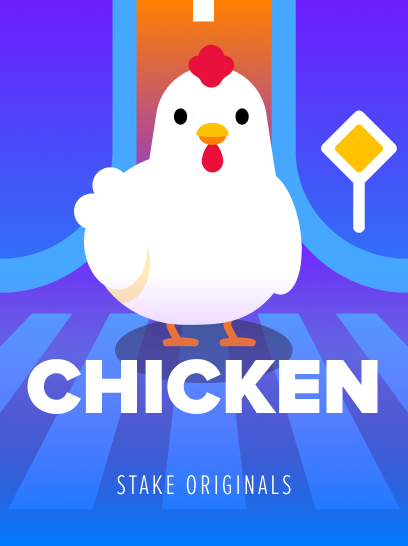
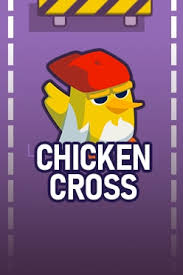
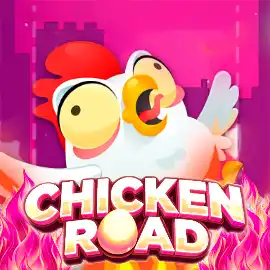
Chicken Road is a crash-style casino game that has grown rapidly in popularity across online operators. The player places a bet, then guides a chicken across a series of lanes -- each one occupied by oncoming traffic. Every lane crossed increases the multiplier. The player can cash out at any point, or lose the bet if a car makes contact.
The format works because the risk is immediate and the decision is constant. There is no complexity to hide behind -- and the core loop borrows directly from the early video game Frogger.

The Initial Prompt
Chicken Road v1.0
The Claude prompt used is below:
Build me a browser-based casino game called Chicken Road using React and PixiJS. A chicken starts at the bottom of the screen and must cross 8 lanes of moving traffic. Each lane the chicken survives increases a multiplier. The player can cash out at any point or lose everything if a car hits them. The chicken should be animated with idle, walk, and death states using a spritesheet. Cars should spawn from the top of the screen at varying speeds. Include a bet input, a cash out button, a difficulty selector (Easy / Medium / Hard), and a total win display. Style it like a polished casino game: dark background, neon accents, clear UI hierarchy.
Positive
Game logic
Rules, board generation, multiplier progression, and cashout mechanics were all correct first time.
State management
The useGameState hook and overall game loop were scaffolded cleanly in a single pass.
Negative
Poor chicken quality
The chicken was a basic SVG with no spritesheet, no animation states, and poor visual quality.
No cars
Collision was simulated with a text message saying "hit by a car". Nothing visual was rendered.
Select-a-square mechanic
Instead of free movement, the chicken advanced lane by lane by selecting one of three squares, each with a hidden crash probability. Closer to a slot mechanic than a crossing game.
Iterating
Attempt 1: Fixing the chicken
I was unhappy with the chicken sprite delivered by Claude. I therefore attempted to generate a proper chicken sprite using a chain of AI tools.
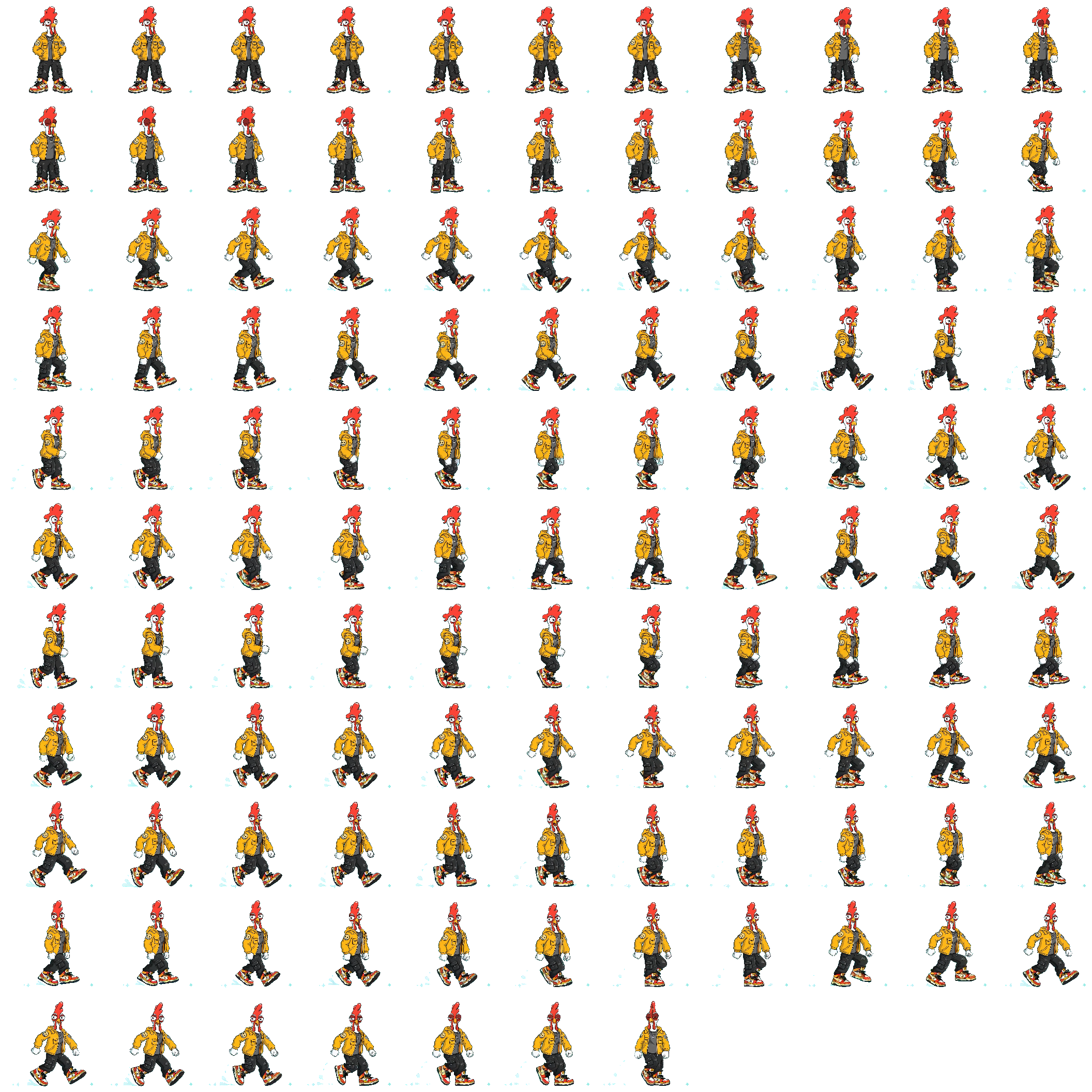
A character image generated in Gemini was fed into Grok Imagine to produce short reference animations for each state the game required: idle, walk, and death. Spritely then sliced each video into a spritesheet.
Below you will find the spritesheet created from the walk video. Hover the preview to animate.
Hover to animate
Negative
Frames too small
The source image resolution meant individual frames were too low quality to use at game scale.
No seamless loop
The first and last frames did not match, so the animation visibly snapped when it cycled.
Attempt 2: Fixing the chicken
The second attempt bypassed image generation entirely. Claude guided the process of building the sprite directly inside Unity -- a tool I had never opened. The output was a markedly higher quality character with distinct, usable animation states. The idle state is below.
Positive
Significantly higher visual quality
The Unity-generated sprite was markedly better than anything produced through Grok or Gemini. Frame clarity, proportions, and overall fidelity were all improved.
Proper animation states
Idle, walk, and death states were all produced with distinct, legible poses. The character read clearly in each state, which was the core requirement.
No Unity experience required
Claude walked through the entire setup from scratch. Getting a working animated sprite out of a tool I had never opened was a practical demonstration of how much friction AI can remove from unfamiliar tooling.
Fixing the cars
Unlike the chicken, cars are static images -- no animation states, no spritesheet pipeline. I was initially optimistic that this would be more straightforward. The same quality issues reappeared, and a new category of problem emerged: one specific to how AI models understand spatial context.
Negative
Poor image quality
Flat, generic assets with inconsistent lighting. The same resolution issues as the early chicken sprites.
Style mismatch
Cars and chicken were visibly from different sources. Getting two AI tools to produce a coherent art style is harder than it looks.
Wrong orientation
No concept of which direction a lane-travelling car should face. Required repeated corrections that should not have been necessary.
Spawning over stopped cars
New cars spawned into cleared lanes, driving directly over stopped vehicles. The AI implemented spawning without modelling lane state.



Better prompts could have prevented some of this. But that is the insight the exercise produces: you only know how to write those prompts after you have already seen how the model fails. It has no spatial awareness, no shared mental model of what the game looks like. Each instruction is processed in isolation. That gap is invisible until you are inside it.
Verdict
The logic is the easy part
Claude got the game working in a single pass. State management, multipliers, cashout logic -- all correct first time. The problems started the moment the output needed to be judged by feel rather than correctness. Sprite orientation, animation states, art style coherence -- these are not things you can fully specify in a prompt. You only know how to describe them after you have already seen how the model gets them wrong.
The gap between a working game and one that feels like a game is where the real work lives.
Play game ↗Tech Stack
Frontend
React + Vite
Renderer
PixiJS (WebGL)
Game Logic
Custom hooks + pure JS
Sprites
Spritesheet animation (192px frames)
Physics
Tween-based movement, no engine
Styling
CSS BEM